
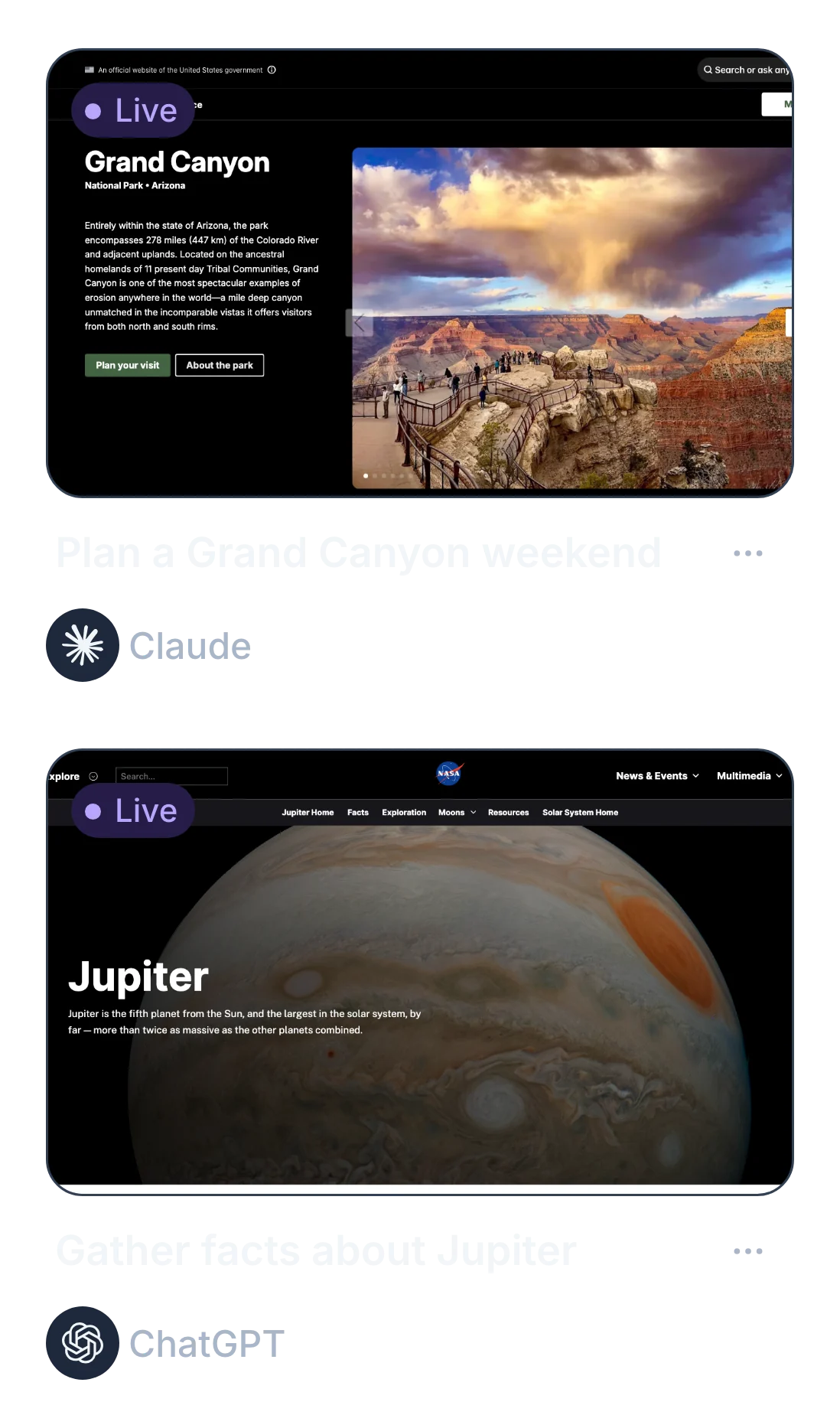
All your AI agents, working in your Chrome.
Claude and ChatGPT work in your own browser, signed in as you. Watch every step live beside the chat.
Three steps, about two minutes.
- 1
Add to Chrome
Install the extension. A setup page opens and signs you in to Ventrilo. New here? Signing in creates your account.
- 2
Connect Claude or ChatGPT
On the setup page, pick where you use AI and connect it. The page tells you when it's connected.
Open setup → - 3
Ask, then watch
Ask for something that needs a browser. Each step shows up live in the monitor beside your chat.
In the Claude app
Web, desktop and mobile. One connection covers all three.
Claude opens with Ventrilo filled in. Select Add, then Connect, and sign in to Ventrilo.
Using Claude Code in a terminal?
If you sign in to Claude Code with your Claude account, it already has Ventrilo. Otherwise, run:
claude mcp add --transport http ventrilo https://mcp.ventrilo.ai/mcp
You stay
in control.
Your AI only works in your browser while you can see it, and you can stop it at any time.
See every step
Every click and every page your AI opens shows up in the monitor beside the chat, as it happens.
It works in your Chrome
Your AI uses the sites you're already signed in to. Ventrilo never asks for your passwords.
Disconnect anytime
Remove Ventrilo from your AI app's settings, or remove the extension from Chrome. Either one stops it.
Your data isn't for sale
We don't sell your pages or chats, or use them for targeted ads.

Give your AI a browser. Yours.
Coming soon for Chrome, with Claude and ChatGPT.